
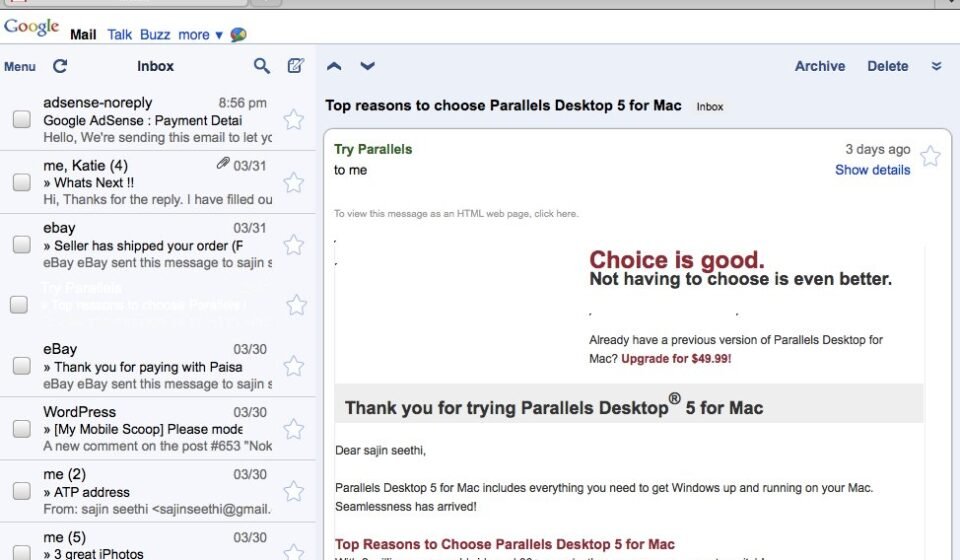

If you are not living on another planet, you probably have heard enough about the iPad. If you are one like us, then you are dying for a hands on experience. Reports from users who had an early hands on with the device is that web browsing is really fast and smooth on the iPad. And if you are our regular reader of our website, you must have read that Google Has optimized its sites including gmail for the iPad
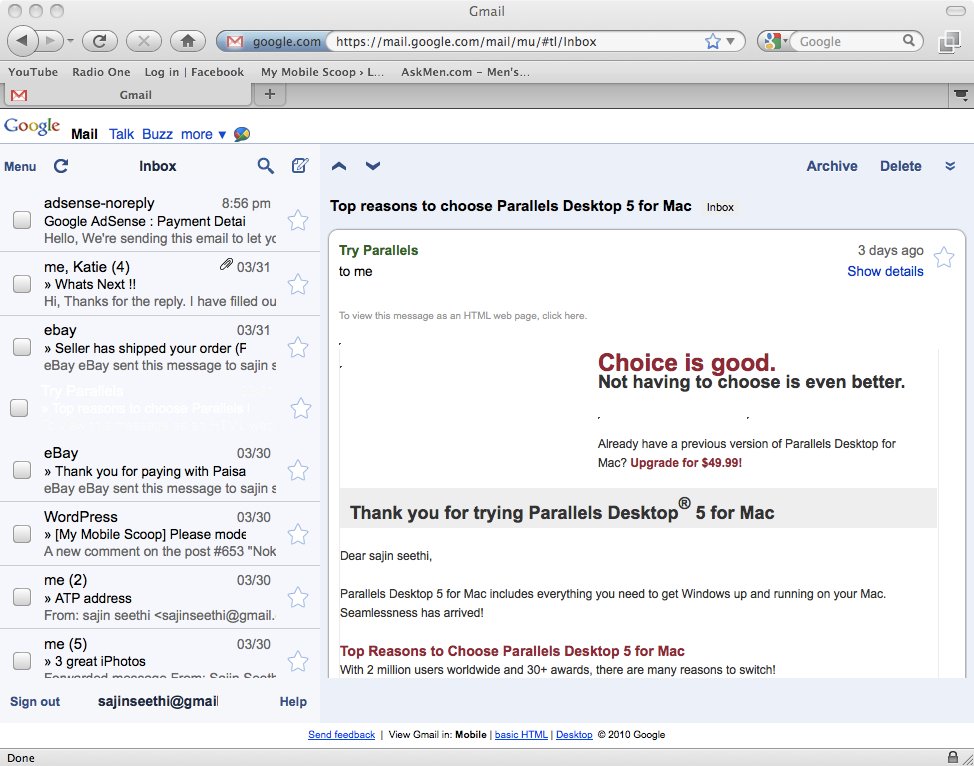
Today, we will show you how to experience the iPad like browsing on your system.
First you need the Mozilla Firefox Browser. If you don’t have you can Download it from here
Secondly, you need this extension. Download and install it
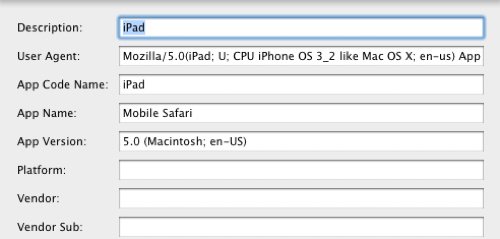
Now, go to tools>Default User Agent>Edit and add a new Agent with the inputs from the picture below. In the user agents field enter:
Mozilla/5.0(iPad; U; CPU iPhone OS 3_2 like Mac OS X; en-us) AppleWebKit/531.21.10 (KHTML, like Gecko) Version/4.0.4 Mobile/7B314 Safari/531.21.10
Now switch to the iPad user agent through the same menu by simply selecting iPad. Hooraayy !!! You are now Experiencing the Apple iPad. And yeah, You are Welcome ! 😉
