
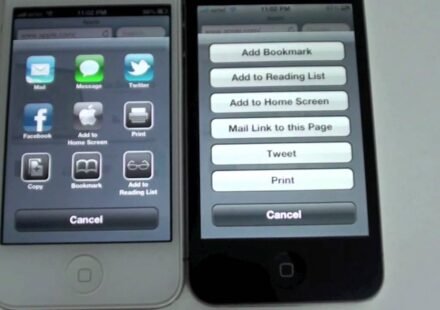
iOS 6 was released on the opening day of WWDC this year. However, its currently available to developers as its in beta. Users can only get it working on their phone if they have their device’s UDID registered in the Apple server through an Apple developer account. Most of you may have paid some developer to get a slot while some of you may have waited for a trick to get it free. If so, then the wait is over.
If you want iOS 6 on your phone, all you have to do is the following steps. PS: This is a beta software, so all apps may not work as intended. We do not take responsibility to any damages that this process may cause to your phone. Please do it at your own risk. If at all things go wrong, you can restore at anytime.
Step 1: Download iTunes 10.6.3, Its available on the Apple website.
Step 2: Download the iOS 6 software. You may download it from this website
Step 3: Connect your phone to your computer and launch iTunes.
Step 4: Press Shift (if you use Windows) or Option (if you use Mac) and click on Check For Update on iTunes in the iPhone screen. Make sure you press the buttons and Check For Update together.
Step 5: Navigate to the downloaded iOS 6 file you downloaded and wait until its done.
Don’ts:
1. Do not disconnect while the process is going on.
2. If on Laptop, make sure it has enough battery back up.
3. Make sure you click on Check For Update and not Restore.
While you download the iOS 6 file, you can take a look at our tour of the iOS 6. We’ve also compared it against iOS 5.
You can thank us in the comment section 🙂